


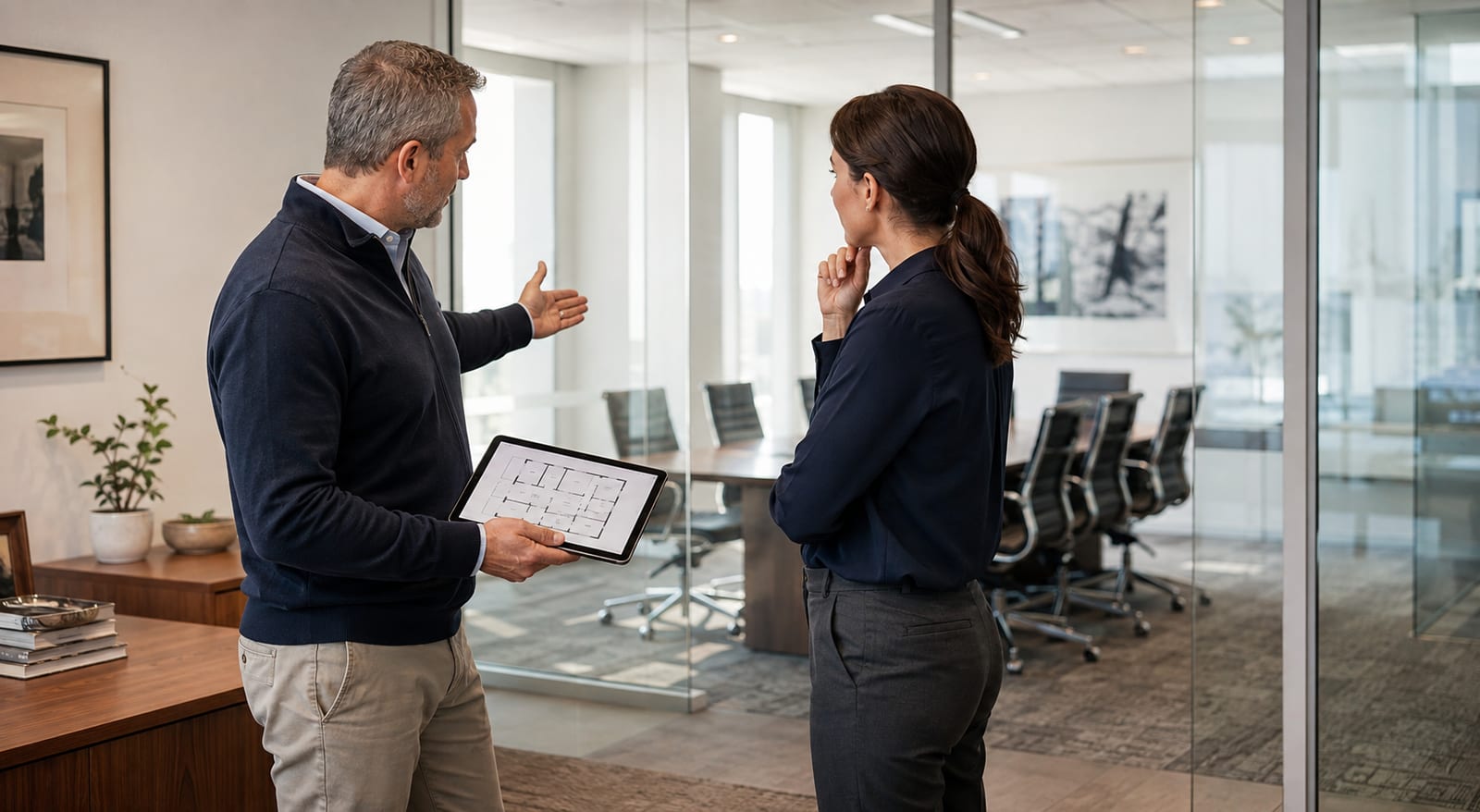
In a meeting room people discuss deals, financial figures, litigation strategy, personal data, HR decisions, and technology. Leakage of even one conversation can affect negotiating position, reputation, or client security. At the same time, protecting a room is not limited to a one-off search for radio bugs: information can be recorded by personal phones, a built-in conference system, a compromised Smart TV, or a person in an adjacent space.
An effective model combines physical, technical, cyber, acoustic, and organisational security. The checklist below helps prepare a room for an important meeting, but it does not replace a professional survey for high-risk premises. Business security guidance is in UK NPSA — Protective Security Considerations.
What to check before a confidential meeting
Start not with equipment, but with classifying the meeting. Define what information will be discussed, who needs to know it, what the consequences of a leak could be, and a proportionate level of protection. A weekly operational meeting and a discussion of a company merger need different procedures.
Preparation checklist:
- Choose a controlled room. It should not directly border a public area, a neighbouring leased office, or a place where outsiders can linger unnoticed for long periods.
- Review access. Check who has keys and electronic rights, and whether there were recent contractors, repairs, off-schedule cleaning, or emergency openings.
- Inspect the room before participants arrive. Note new adapters, chargers, cables, objects, and changes to sockets, lights, furniture, and ventilation grilles. Do not dismantle installed equipment without a specialist.
- Define an electronic-device policy. For high-sensitivity meetings, phones, watches, earbuds, and tablets stay in a controlled area outside the room. Simply switching to airplane mode is not a universal guarantee against recording. Practical device-security guidance is in UK NCSC Device Security Guidance.
- Check installed systems. Conference terminals, Smart TVs, microphones, cameras, and voice assistants should be inventoried, updated, and configured. Unnecessary features, wireless interfaces, and remote access must be disabled at policy and configuration level.
- Prepare documents on a need-to-know basis. Do not leave old materials, drafts, diagrams, sticky notes, or board content in the room. Distribute only copies participants actually need.
- Assess acoustic confidentiality. Confirm that speech is not intelligible in the corridor, adjacent rooms, near ventilation, or at the façade. At high risk, measurements are needed — not only a subjective check.
Plan periodic TSCM surveys by risk model: before a particularly important event, after renovation, a change of tenants, unauthorised access, installation of new equipment, or justified signs of leakage. A publicly known fixed inspection date reduces its practical value. See how to check premises for bugs and hidden cameras.
Get a consultation
A quick case assessment — no obligation
How to control security during negotiations
Before the meeting starts, a responsible person verifies the participant list and closes the room to outsiders. Late visitors should not be admitted without the organiser’s confirmation. If people join remotely, verify participant identity and the list of those present on the online side as well.
- Keep the door closed. That both reduces casual overhearing and maintains the intended acoustic isolation.
- Control devices. Only agreed corporate equipment remains in the room. Do not rely on a verbal request “not to record” if the risk requires a stricter procedure.
- Do not use random cables and adapters. Prepare a verified kit for presentations, and separate guest access from the corporate network.
- Check conference-system indicators. Participants should understand when the camera, microphone, recording, and remote connection are active. An indicator does not replace technical configuration control.
- Limit information visibility. Screens, boards, and documents should not be viewable from the corridor, a neighbouring building, or cameras on unapproved devices.
- Stay within the agenda. Even a well-protected room does not remove risk from a legitimate participant who has memory, notes, or a hidden personal device.
- Log incidents. An unexpected connection, unknown sound, new device, or policy breach should be recorded and reported to the responsible person — not discussed in front of everyone.
Sound masking outside the meeting room can reduce speech intelligibility in controlled adjacent zones, but it requires design and calibration. Ordinary music from a speaker in the room is not a reliable protection measure and may make people speak louder.
Mobile, GPS, Wi-Fi, or Bluetooth jammers should not be treated as a quick universal fix. They do not affect a standalone voice recorder, may disrupt lawful systems, and create regulatory and safety risks. Device control, zoning, and properly configured infrastructure are more predictable measures.
Installed “smart” equipment in a meeting room creates a separate risk. See office eavesdropping via Smart TVs, speakers, and conference systems.
What to do after the meeting and how to maintain protection over time
After the meeting, check the room, collect all documents, clear the board, and confirm that recording on the installed system is not still active. Destroy drafts and surplus copies under an approved procedure — not in a shared bin. If online connectivity was used, check where recordings, transcripts, logs, and automated outputs are stored.
An ongoing meeting-room protection programme should include:
- a process owner — a specific officer responsible for the room, policy, and response;
- an up-to-date equipment inventory with models, serial numbers, firmware, network settings, and permitted features;
- physical access control for staff, guests, cleaners, the landlord, and contractors, with regular rights review;
- anti-tamper protection via seals or other opening indicators where technically justified;
- network segmentation for conference equipment and a ban on unnecessary remote administration;
- regular acoustic checks, especially after reconfiguration or replacement of doors, ceiling, ventilation, or façade glazing;
- TSCM surveys driven by events and risk, not only a formal annual visit;
- a ready response plan: whom to notify, how to restrict access, and whom to involve after finding a suspicious object.
Review the protection level when the threat changes. A new conference system, a tenant in an adjacent space, ventilation works, or a shift to higher-value negotiations can make old measures insufficient. The best result comes from a layered approach: even if one control fails, others still limit access, recording, or removal of information. Practical physical-security steps are also summarised in NPSA — Physical Security: 10 Steps.
If conversations are audible outside the room, or there are doubts about windows, doors, or ventilation, see acoustic leakage channels through a wall, window, or ventilation.
Do you need a protected meeting room — not a collection of random gadgets?
ProDefence assesses meeting rooms comprehensively: physical access, acoustic channels, conference equipment, the radio-frequency environment, wired infrastructure, and organisational procedures. After the survey we prepare a priority plan — from quick policy changes to technical solutions and control measurements.
Contact ProDefence if you are preparing important negotiations, fitting out a new office, or want to review an existing protection system. We will scope the work to the real threat model and the sensitivity of the information.
Meeting-room protection
Need a checklist and a technical check of your meeting room?
Describe the sensitivity of negotiations and the equipment you have. ProDefence will prepare a priority plan — without “we will find every bug” guarantees.
Organisation + acoustics + TSCM. No jammers as a universal fix.


