


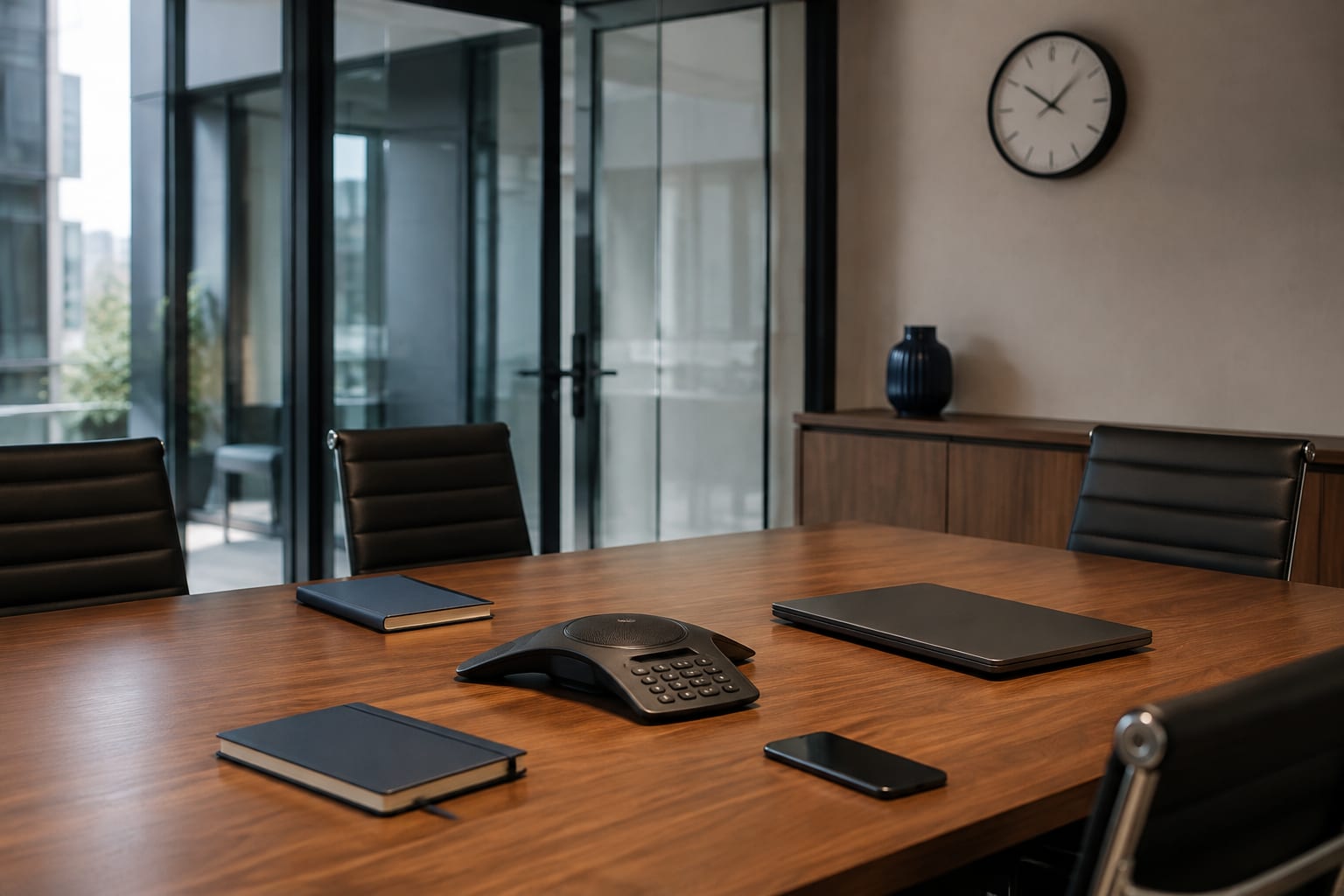
In a modern meeting room a microphone may be part of a TV, conference panel, VoIP phone, webcam, speakerphone, voice assistant or room-control system. These are standard features needed for calls and voice commands, but every extra microphone, network connection and cloud account increases risk.
Conversation leaks do not necessarily require a classic bug. Causes can include misconfiguration, a compromised account, remote administrative access, outdated software, automatic meeting recording, or connection of an unknown peripheral.
A TSCM check of a modern office must cover both foreign devices and legitimate equipment. A physically sound conference system can still create risk through settings, networking or a cloud service.
Which office devices can create privacy risk
Smart TVs and meeting-room displays
A TV or interactive panel may have a microphone, camera, Bluetooth, Wi-Fi, wireless screen casting and its own operating system. Even if the camera is unused, the device may remain connected to the network and a cloud account.
Smart speakers and voice assistants
These devices constantly listen for a wake phrase to activate a voice command. Risk depends on audio-storage settings, account access, command history, connected services, and whether a speaker belongs in a confidential-negotiation zone at all.
Conference systems and speakerphones
A conference panel may combine several microphones, a camera, a computer, remote control and calendar integration. An accidentally active call, automatic meeting join, remote access or incorrect admin rights can create a leak channel without any physical intrusion into the room.
VoIP phones and IP cameras
Network phones and cameras are full computing devices. They have firmware, credentials, logs, network services and sometimes a web admin interface. A missing update or weak password can be no less dangerous than a third-party microphone.
USB and Bluetooth peripherals
Webcams, headsets, adapters, docks and wireless speakerphones often move between rooms. An organisation may lack a complete inventory, and staff may not know which device is active during a meeting.
The US National Institute of Standards and Technology treats IoT devices as a distinct risk category because of their interaction with the physical world, data, networks and cloud services. General principles are set out in NIST IR 8228.
Get a consultation
A quick case assessment — no obligation
How to reduce eavesdropping risk from factory equipment
- Take an inventory. For each device record the model, serial number, owner, installation location, network interfaces, management account and manufacturer support end date.
- Remove unnecessary microphones from confidential zones. If a voice assistant, Smart TV or speakerphone is not needed for a given room, the safest option is not to place it there at all.
- Turn off unused features. Disable voice activation, automatic meeting join, recording, Bluetooth, remote administration and other unused services.
- Keep firmware updated. Assign responsibility for checking updates and retiring devices whose manufacturer has ended support.
- Protect accounts. Use unique passwords, multi-factor authentication, least-privilege rights and corporate accounts instead of personal ones.
- Segment the network. IoT and conference equipment should be separated from workstations and critical systems. Allow only necessary connections and monitor outbound traffic.
- Control physical access. Log equipment swaps, new adapters, contractor work and movement of conference devices between rooms.
- Define a confidential-meeting mode. Before sensitive talks, power down or remove unnecessary kit, check active calls, recording indicators and the participant list.
A physical mute button helps only when its implementation is clear. On some devices it hardware-interrupts the audio path; on others it only changes a software state. For critical rooms this should be verified against technical documentation and testing.
Network isolation does not solve everything either. A device may have a mobile modem, separate Wi-Fi, local recording or Bluetooth. Cybersecurity, physical control and TSCM therefore need to work together.
NIST SP 800-213A recommends accounting for IoT devices’ ability to identify themselves, support secure configuration, protect data, control access, update software and report cybersecurity status. The official document is available here: NIST SP 800-213A.
What a modern office TSCM audit includes
The check starts with a threat model: what information is discussed, who has physical or administrative access, which devices should be in the room, and which communication channels are allowed.
A comprehensive audit may include:
- physical inspection of the meeting room, furniture, outlets, cable routes and installed equipment;
- reconciliation of actual kit with the inventory list and standard configuration;
- analysis of Wi-Fi, Bluetooth and other radio activity in the room;
- checks of network connections, unknown nodes and external links;
- assessment of Smart TV, conference system, VoIP phone, camera and voice-assistant configuration;
- review of administrators, connected accounts, logs and recording policies;
- control tests of microphones, cameras, indicators and physical-mute functions;
- documentation of identified risks and recommendations to remediate them.
A one-off check reflects the room’s state at a given moment. Offices with high-value information need change control, contractor admission rules, checks after renovation or equipment replacement, and periodic audits matched to the risk level.
The core principle of a secure meeting room is predictability. The organisation must know exactly which devices are present, who manages them, where they send data, and what has changed since the previous check. See also finding bugs and hidden cameras and limits of bug-detection apps.
Office TSCM audit by ProDefence
ProDefence carries out comprehensive surveys of offices and meeting rooms: inspecting premises, factory smart devices, network connections and the radio environment. Clients receive a list of identified risks and practical recommendations for protecting confidential talks.
If your office uses Smart TVs, speakers, VoIP phones or conference systems, contact ProDefence. We will help identify which devices create real risk, set a secure meeting mode, and run a professional TSCM audit.
Office TSCM audit
Need to check a meeting room or office?
Describe the equipment and confidentiality level of meetings. ProDefence will run a TSCM audit with recommendations for factory smart devices.
Physical survey plus network and configuration analysis.


