


For the duration of a stay, a hotel room or a rental apartment becomes a space in which a person reasonably expects privacy. At the same time, a miniature camera can be disguised as a clock, a charger, a smoke detector, a light fixture, a router or another ordinary object. Some of these devices stream video over Wi-Fi or a mobile network, while others only record to a memory card.
A self-check helps you notice obvious inconsistencies, but it cannot confirm the complete absence of covert surveillance. A phone does not see every radio frequency, a standalone camera may not connect to the local network, and a lens without infrared illumination will not necessarily stand out in the dark.
That is why it is important to work in sequence: assess the room, inspect objects that have a direct view of private areas, check the digital signs available to you, and avoid damaging possible evidence if a suspicious device has already been found.
Where hidden cameras may be and what to look for
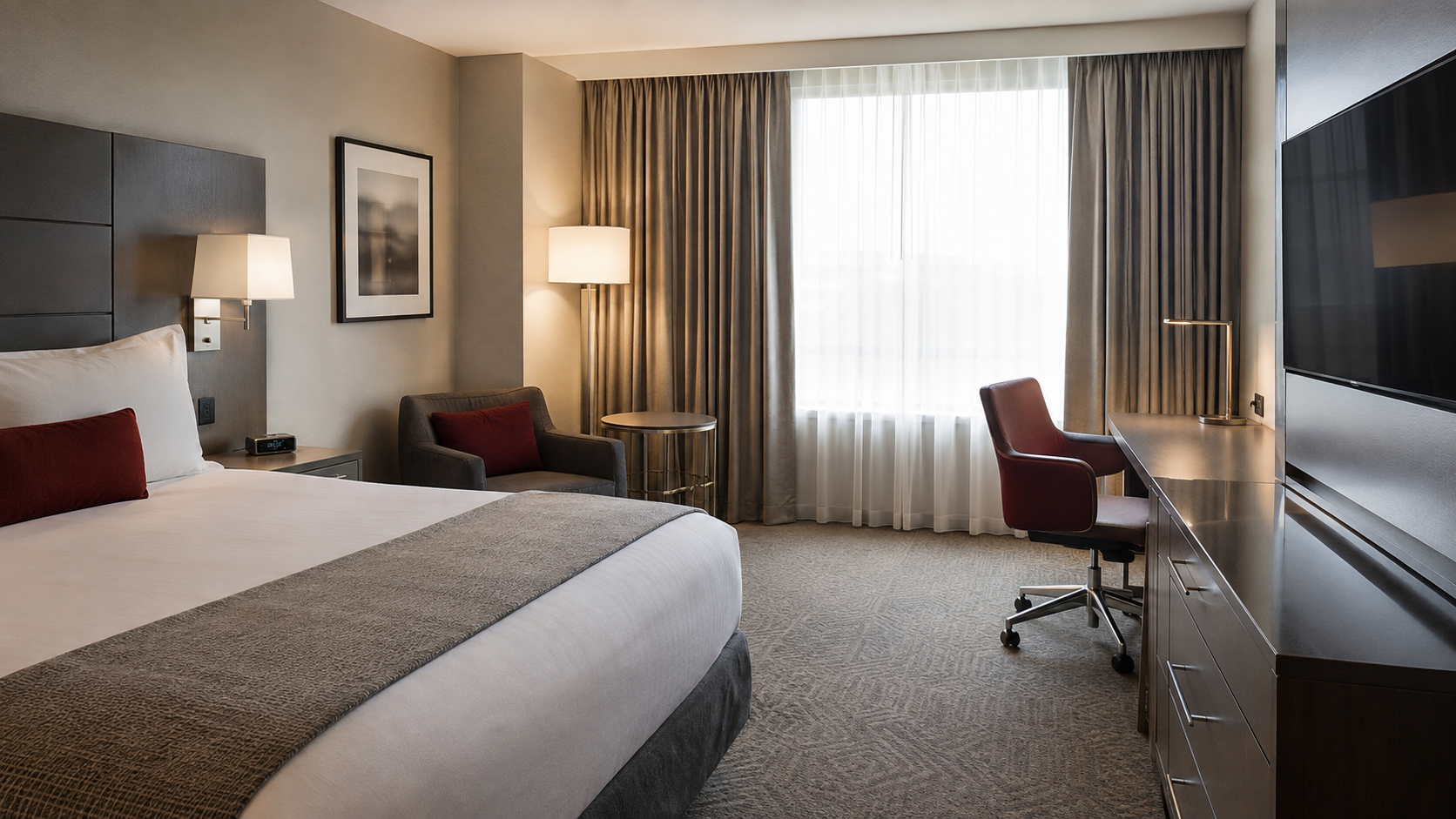
Start not by looking for a particular “spy camera” model, but by analysing the possible field of view. To record faces, documents, a laptop screen or a private area, a device needs at least a small opening and a line of sight towards the relevant part of the room.
Objects with a good view of the room
- smoke detectors, motion sensors and other ceiling-mounted devices;
- desk and electronic clocks;
- chargers, extension leads, adapters and USB devices;
- routers, TV boxes, speakers and household electronics;
- light fixtures, decorative panels and ventilation grilles;
- mirrors, picture frames, souvenirs and objects aimed at the bed or the bathroom.
An opening, an LED or an unfamiliar network device does not in itself prove that a camera is present. It may be a factory sensor, an indicator, a remote-control receiver or a ventilation element. Suspicion grows when several signs coincide: an unusual position, a direct view of a private area, an unexplained power supply, a device not described in the property rules, or a design that differs from similar elements in the room.
Visual inspection under normal lighting
Look at the room from different points without dismantling any equipment. Pay attention to small dark openings, asymmetric details, traces of recent installation, unnecessary cables and objects with no obvious purpose. Check the property description: outdoor cameras and other permitted security devices may be subject to prior disclosure under the platform rules and local law.
Looking for a lens reflection
In a darkened room you can slowly light up suspicious objects with a torch, keeping the light source close to your line of sight. Lens glass sometimes produces a characteristic pinpoint glint. The method has limits: screws, indicators, decorative glass and other surfaces can also reflect light, while a well-disguised lens or one set at an angle may remain unnoticed.
Checking for infrared illumination with a phone
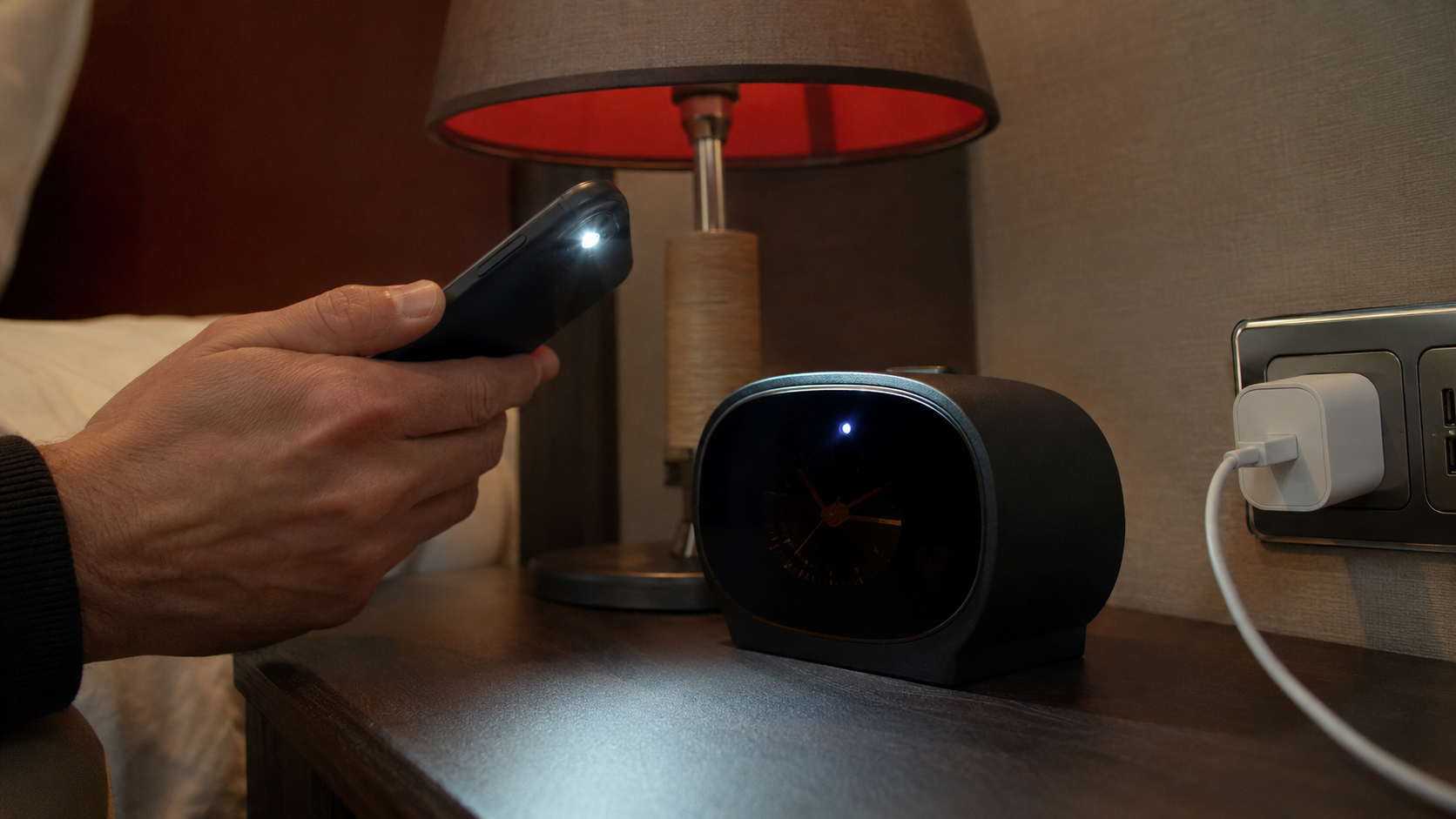
Some night-vision cameras use infrared LEDs, which certain smartphone cameras can show as bright or purple dots. Before checking, point an ordinary remote control at your phone camera and press a button: if the remote’s signal is visible on screen, that camera module responds to part of the infrared range.
The absence of any glow proves nothing. The camera may have no infrared illumination, may not be using it at that moment, or may work in a range blocked by the smartphone filter.
Get a consultation
A quick case assessment — no obligation
Can you find a hidden camera with a phone or over Wi-Fi
A smartphone is useful for a preliminary check, but it is not a professional hidden-camera detector. It can help you see individual infrared emission, a lens glint, a Bluetooth device or another member of the same local network. None of these functions covers every possible way of recording and transmitting video.
What a network scanner can show
If a guest has lawful access to the property Wi-Fi, a network inventory app may display the router, the TV, a speaker, an IP camera and other connected devices. An unfamiliar name or manufacturer is grounds for an additional check, but not proof of covert surveillance.
A camera may be connected to a different Wi-Fi network, use a mobile connection, create its own access point, sit in an isolated segment or record data locally. In each of these cases a routine scan of the guest network will not reveal it.
Why “hidden camera detector” apps get it wrong
Such apps use the sensors the phone already has, not a dedicated universal module. The magnetometer reacts to metal, wiring, speakers and magnets; the Wi-Fi scanner sees network members; the camera sees available light. This makes both false positives and missed real devices possible. We covered this separately in “Can a phone find a bug? Detection apps and their limits”.
Which methods should not be treated as proof
- The “fingernail test” on a mirror. The gap between your finger and its reflection depends on how the mirror is made and gives no reliable conclusion about surveillance.
- Noise during a phone call. Interference is more often related to the mobile network, software load or connection quality.
- A single unknown device on the Wi-Fi. It may be a TV, an access point, a climate system or other factory equipment.
- No results in an app. A standalone camera or a device on another network may produce no signs that the phone can access.
Do not open electrical sockets, smoke detectors or hotel equipment yourself. This can create a hazard, damage property and destroy traces of possible interference. A complete check requires a combination of physical, optical, radio-frequency and network analysis.
What to do if you have found a suspicious camera
If an object shows signs of a hidden camera or is aimed at a private area, do not rush to switch it off, take it apart or move it. The safe sequence depends on the circumstances, but the general approach looks like this:
- Stop confidential conversations and changing clothes within the possible field of view. If there is a risk to your personal safety, leave the premises.
- Do not touch the device unless necessary. It may carry traces that matter for a further examination.
- Record the context. Take general photographs of the room, the position of the object, the direction of the possible view and its appearance. Write down the date, the time, the room number or address and the circumstances of the discovery.
- Preserve digital materials. Do not delete the booking, correspondence with the host, the listing description, the house rules or screenshots stating whether cameras are present.
- Report to the responsible party through an official channel. Depending on the situation this may be the hotel management, the booking platform and law enforcement. If you fear that evidence may be destroyed, obtain professional legal or technical advice first.
- Do not publish unverified accusations. First it must be established whether the object is a camera, who it belongs to and whether it was recording or transmitting data.
Booking platform rules can be stricter than the minimum requirements of the law. For example, since 30 April 2024 Airbnb has prohibited cameras and recording devices that monitor the indoor spaces of a listing, even when they are switched off; hidden cameras are banned separately. The current rules are set out in the official Airbnb help centre.
In Ukraine, Article 32 of the Constitution of Ukraine protects private and family life, while Article 182 of the Criminal Code of Ukraine provides for liability for unlawful actions with confidential information about a person. At the same time, the legal assessment of a specific case depends on where the device was installed, how it was used, whether recording took place, whether guests were notified and other circumstances.
A more detailed documentation procedure is set out in “Found a bug or hidden camera: what to do and how to preserve evidence”. If the suspicion remains but there is no obvious device, see also the general article on professional searches for bugs and hidden cameras.
Professional inspection of a hotel or rental property by ProDefence
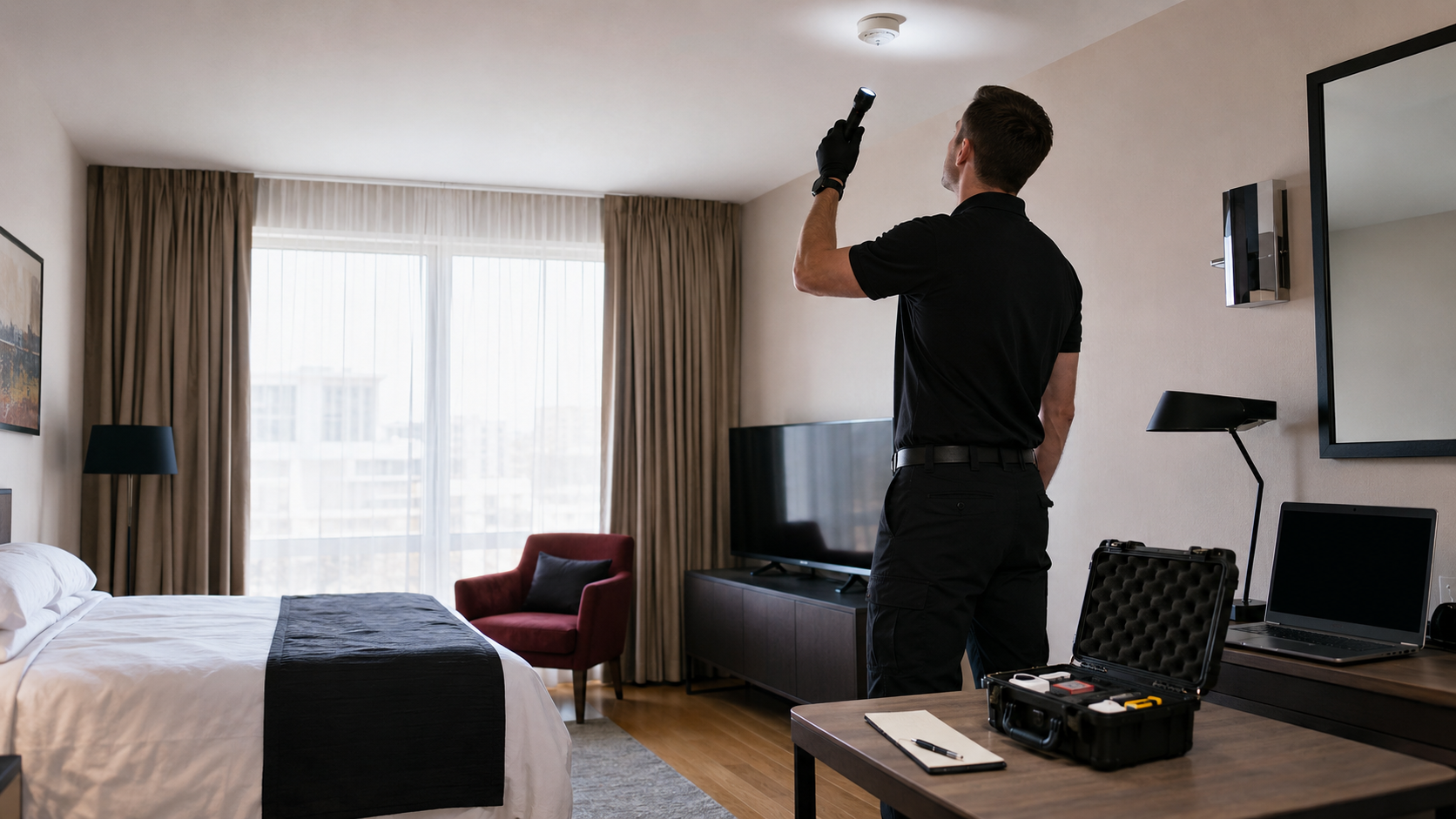
ProDefence carries out TSCM surveys of residential premises, apartments and hotel rooms where there is lawful access to the property. The check may include a physical inspection, a search for optical signs, analysis of the radio environment, of accessible network connections and of suspicious electronic modules. The method is chosen for the specific room and threat model.
If you suspect covert surveillance, contact ProDefence. We will help you assess the situation, check the premises safely and document any objects found properly. A professional survey does not come down to a single scanner and is not accompanied by an unfounded guarantee to “find everything”.
TSCM inspection
Suspect a hidden camera in a hotel or rental apartment?
ProDefence will carry out a TSCM survey of the premises and help you document any devices found safely.
Confidential. Where there is lawful access to the property.


