


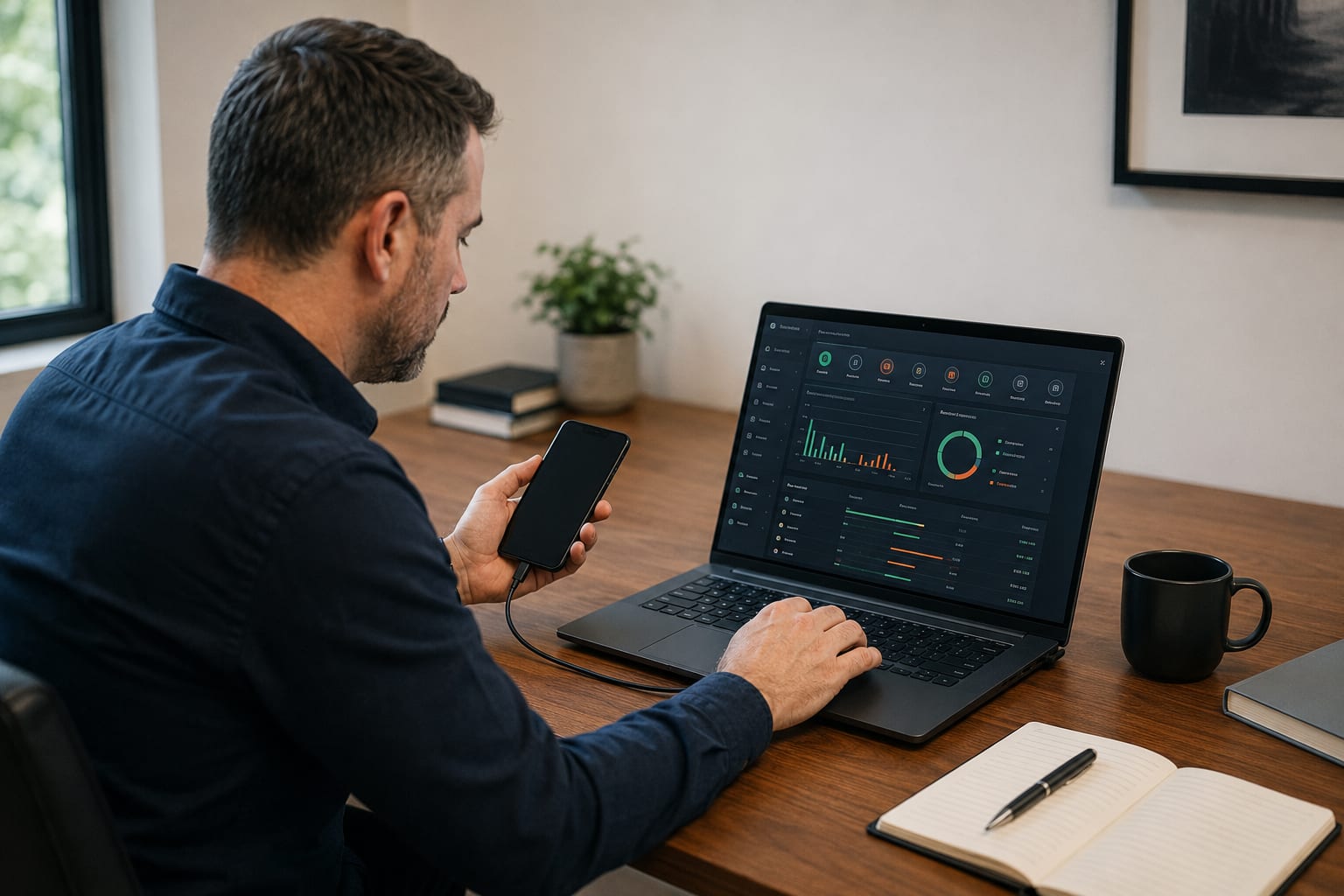
App stores offer tools that promise to detect a bug, hidden camera or GPS tracker with a smartphone. Some do use available phone features: Bluetooth, Wi-Fi, the camera or the magnetic-field sensor. The label “listening detector”, however, often creates inflated expectations.
A smartphone has no universal sensor that can recognise any hidden device. It may show a particular anomaly or a compatible transmitter, but it does not automatically establish that a found signal belongs to an unlawful eavesdropping tool.
A phone is useful as a preliminary check. Its results should be assessed together with a physical inspection, the characteristics of the premises, and an understanding of which device types could even be in play.
What a smartphone can actually detect
Compatible Bluetooth trackers
iPhone and Android can alert you to unknown Bluetooth tags that have been moving with the user for some time. Apple and Google have implemented cross-platform notifications for devices that support the relevant industry specification.
That helps detect AirTags and other compatible tracking accessories. The feature is not designed to find every Bluetooth device and will not discover equipment that does not broadcast a supported identifier.
Devices on the local network
Network scanners can show IP cameras, TVs, speakers, printers, access points and other equipment on the same Wi-Fi network. That helps with inventory, but every unknown entry is not a hidden camera.
A device may use a randomised MAC address, appear under a generic name, or sit in another network segment. Meanwhile a standalone camera with a memory card may not be on Wi-Fi at all.
Magnetic-field changes
Some apps use the smartphone magnetometer. That sensor measures magnetic fields and can react to metals, magnets, speakers, power cables and electronics.
The problem is low specificity: a raised reading near a socket, laptop, furniture hardware or a car does not prove a bug. Not every phone has an equally sensitive sensor either.
Optical reflections and infrared
A smartphone camera can sometimes reveal a lens reflection or infrared illumination from certain cameras. Results depend on the phone model, optical filters, lighting, viewing angle and camera mode.
Ordinary glass, an indicator light or a decorative element can create a flash. The absence of a visible glow also does not prove there is no hidden camera.
The official overview of built-in Android sensors confirms that apps only work with available hardware sensors and their specific characteristics: Android Sensors Overview.
Get a consultation
A quick case assessment — no obligation
Which bugs and cameras a phone cannot reliably find
- Passive voice recorders. A device may only record sound to internal memory and transmit no radio signal.
- Wired microphones. Cable transmission creates no Bluetooth or Wi-Fi identifier for an app.
- GSM/LTE devices. An ordinary phone is not a broadband RF analyser and cannot reliably separate a foreign transmitter from base stations and its own mobile connection.
- Transmitters with intermittent activation. A device may stay in standby and transmit only on sound, motion, a schedule or a remote command.
- Standalone cameras. A camera with local recording may have no active Wi-Fi or Bluetooth.
- Devices on another network. A network scanner sees only the segment available to the user and does not check a third-party access point or mobile channel.
- Masked factory equipment. An app may show a TV or conference system but will not determine whether its hardware or settings have been altered.
Software does not see through walls and does not determine an electronic component’s purpose from a single reading. Even a found Bluetooth or Wi-Fi device must be identified: compare manufacturer, function, location and behaviour.
Do not draw conclusions from interference on a phone call either. Noise, phone heating, rapid battery drain and unstable connection more often relate to the network, software load or battery condition.
No alert is not a security certificate. The shared Apple and Google specification covers compatible Bluetooth trackers, not all covert surveillance equipment. A description of this technology is available on the official Apple website. See also signs your phone may be tapped and finding bugs and hidden cameras.
How to use a phone safely for a preliminary check
- Start with built-in features. Before installing third-party “detectors”, check system alerts about unknown trackers and app permission lists.
- Review Bluetooth and network devices. Note unfamiliar names and addresses, but do not connect to them or try to change their settings.
- Carry out a physical inspection. Match found signals to real equipment in the room. Look for new objects, non-standard cables, openings and changes to familiar devices.
- Assess the app’s permissions. A Bluetooth-search app may need Bluetooth and location access, but requests for contacts, SMS, microphone or device-admin rights should be justified by its function.
- Do not install apps from unknown sites. An APK presented as a detector may itself be a tracking or data-theft tool.
- Do not treat one scan as proof there is no threat. Checking at different times and equipment modes can yield more information, but still does not replace a professional survey.
If the risk involves confidential negotiations, trade secrets, litigation, stalking or a specific person’s safety, mobile-app results are not enough for a reasoned conclusion.
A professional TSCM inspection combines physical survey, radio-environment analysis, checks of wired and network channels, examination of suspicious objects and documentation of findings. The method is chosen for the specific premises and threat model. For vehicles, see also how to find a GPS tracker or listening device in a car.
Professional bug sweeps by ProDefence
ProDefence inspects offices, meeting rooms, homes and vehicles for covert audio, video and data-transmission devices. We do not rely on one app or one reading; we analyse the combination of physical, radio-frequency and digital indicators.
If an app showed an unknown device, or you want to confirm a room’s confidentiality, contact ProDefence. Specialists will verify the finding, determine its purpose and carry out a full TSCM survey.
TSCM inspection
Need a professional premises check?
Describe the suspicion and any self-check results. ProDefence will carry out a TSCM survey and document findings.
No guarantee of “no bugs” based on a single phone scan.


