


A user connected a wallet to a site, clicked Approve or signed an unclear message — and only afterwards suspected phishing. In that situation it is important to act quickly, but not chaotically. A signature, a spending approval and sharing a seed phrase create different risks, so the generic tip “just disconnect the site” may not be enough.
Disconnecting a dApp from the wallet does not revoke on-chain permissions. If a smart contract was granted the right to spend tokens, that permission can remain active after you close the tab, remove the site from connected apps, or even reload the wallet. First establish what was signed, then choose the response.
What you may have signed — and how the risks differ
The word “signature” often covers several technically different actions. Before any further operations, open the wallet activity history and the transaction in the relevant blockchain explorer. Note the network, smart-contract address, function, token, amount and the address granted control rights.
- Connecting a wallet to a site. Usually the site sees the public address and may propose signature requests. Connection alone should not allow assets to be drained, but a phishing site can immediately show a dangerous request.
- Signing a message. This does not always create a normal transaction and may not require gas. Some structured signatures are still used as authorisation for later operations, so “no fee means safe” is wrong.
- Approve for a fungible token. The owner lets a spender address spend tokens within a set limit. If the limit is unlimited, the risk goes beyond one planned operation.
- NFT permission. Functions such as setApprovalForAll can give an operator the right to manage every asset in a given NFT collection in the wallet.
- Ordinary on-chain transaction. This may be a direct transfer, swap or smart-contract call. If the network has already confirmed it, simply cancelling it after the fact is usually impossible.
- Compromised seed phrase or private key. This is the most serious scenario: an outsider can fully control the wallet. Revoking one Approve does not remove that risk.
Not every Approve is fraudulent: decentralised exchanges and other protocols need permissions to work with tokens. Danger arises when the user does not recognise the site or contract, does not understand the scope of the permission, or signed after following an ad, private message or fake support page. A basic explanation of token approval is in the MetaMask help centre; separately, read the material on signature phishing.
Get a consultation
A quick case assessment — no obligation
How to check active permissions and revoke them correctly
Checks are done separately for each address and network. An Ethereum permission does not automatically reflect permissions for the same address on other EVM networks. Fungible tokens and NFT operators must also be checked separately.
- Record the suspicious action. Save the site URL, time, wallet address, network, transaction hash, a screenshot of the request and all messages. Do not sign new requests the site calls “cancellation” or “verification”.
- Check history in the official network explorer. Identify the contract address and function called. For Approve, find the token, spender address and allowance size.
- Open a trusted permissions-management service. Use the wallet maker’s built-in tool or an officially recommended approval checker. Enter the service address yourself or follow official documentation — not an ad. MetaMask guide: How to revoke smart contract allowances.
- Switch networks and review permissions. Check unknown contracts, unlimited limits, old dApps and permissions granted shortly before the incident. A small current token balance does not always make an unlimited allowance safe later.
- Revoke the suspicious permission. Revocation is usually a separate on-chain transaction that sets the allowance to zero or removes the operator’s right. It needs a small amount of the network’s native coin for gas.
- Verify the result. After confirmation, refresh the allowances list and confirm the permission is no longer active. Repeat the check on other networks the wallet used.
Simply disconnecting a site in wallet settings only stops the current interface interaction with the address. It does not change an already-issued on-chain permission. At the same time, revoking Approve cannot return tokens that were already drained before the permission was cancelled.
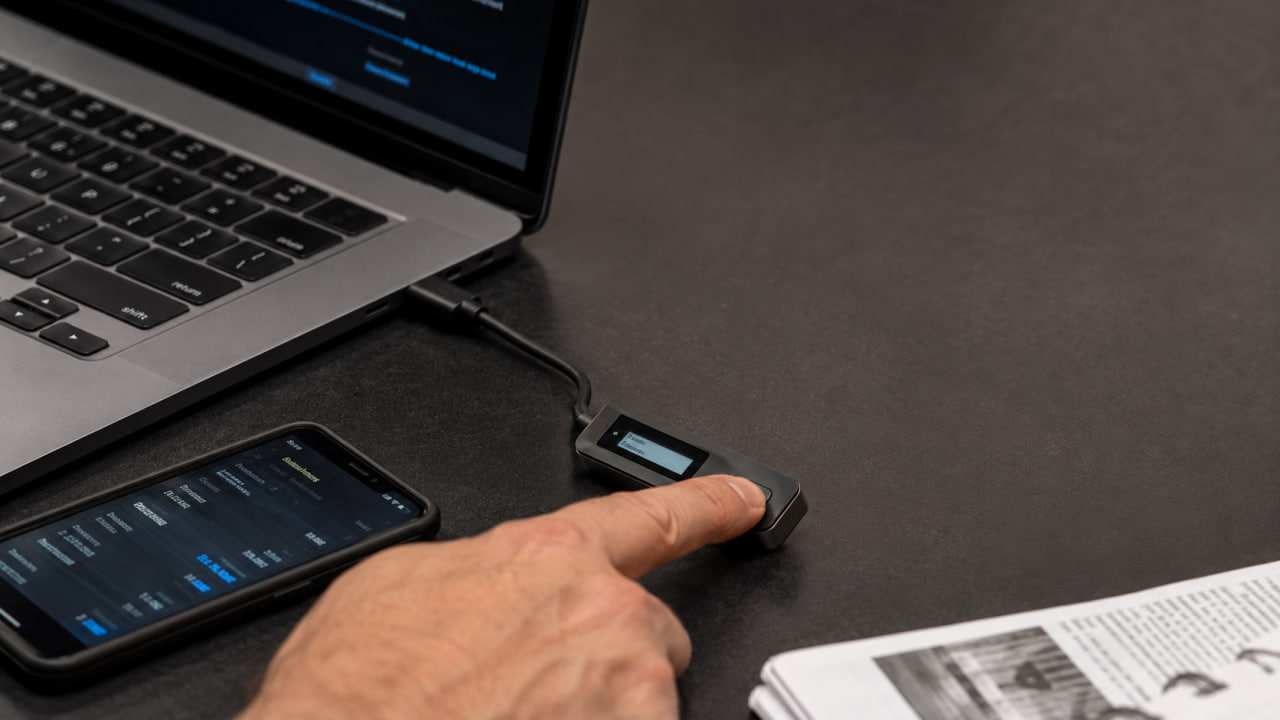
Beware of fake “revoke” services. A permissions-check page should never ask for a seed phrase or private key. Before confirming revocation, match the network, contract and transaction contents in the wallet; where possible, verify data on a hardware-wallet screen. Useful contract-assessment criteria are in MetaMask’s How to tell if a smart contract is safe.
What to do after a suspicious signature or asset drain
If funds are still in place, stop interacting with the suspicious site, then check and revoke relevant permissions. Next review all networks, tokens and NFTs used with that address. Change passwords on related services, enable two-factor authentication where possible, and scan the device for malware.
If a seed phrase or private key was entered on a third-party site, treat the wallet as fully compromised. Create a new wallet on a clean device and move assets if it is still safe to do so. Do not reuse the old seed phrase for the new wallet. If an attacker automatically drains native coin for gas, do not top up the address at random: that may only increase losses, and the scenario needs a separate technical assessment.
If tokens have already been drained, record hashes of all transactions, addresses, networks, times, amounts and the link between the incident and the phishing site. Do not send scammers further payments for “unlocking” or “recovery”. Public blockchain data allows further fund movement to be traced, and interaction with centralised services can matter for platform and law-enforcement reports. See how to recover stolen cryptocurrency.
If an exchange account was involved, or the platform restricted withdrawals after a suspicious operation, see also what to do if an exchange account or withdrawal is blocked. A request alone does not guarantee asset recovery: the outcome depends on the fund route, response speed, platform rules and jurisdiction.
Signed an unclear Approve and unsure whether assets are safe?
ProDefence helps identify the signature type, check active permissions on the required networks, investigate suspicious contracts and document movement of already-drained assets. We build a technical picture of the incident and a practical next-step plan without access to your seed phrase or private key.
Do not delay the initial check: the sooner you establish what permission a third-party contract received, the faster further risk can be limited. Contact ProDefence through the official site form — a specialist will assess the situation and explain realistic response options.
Permissions check
Signed a suspicious Approve or message?
Describe the network, hash and site. ProDefence will help assess the signature type and active allowances without requesting a seed phrase.
No guarantees of “instant unlock” of assets.


